 PlotavaDownload
PLOTAVA / IPHONE + IPAD
Work reports with the evidence attached.
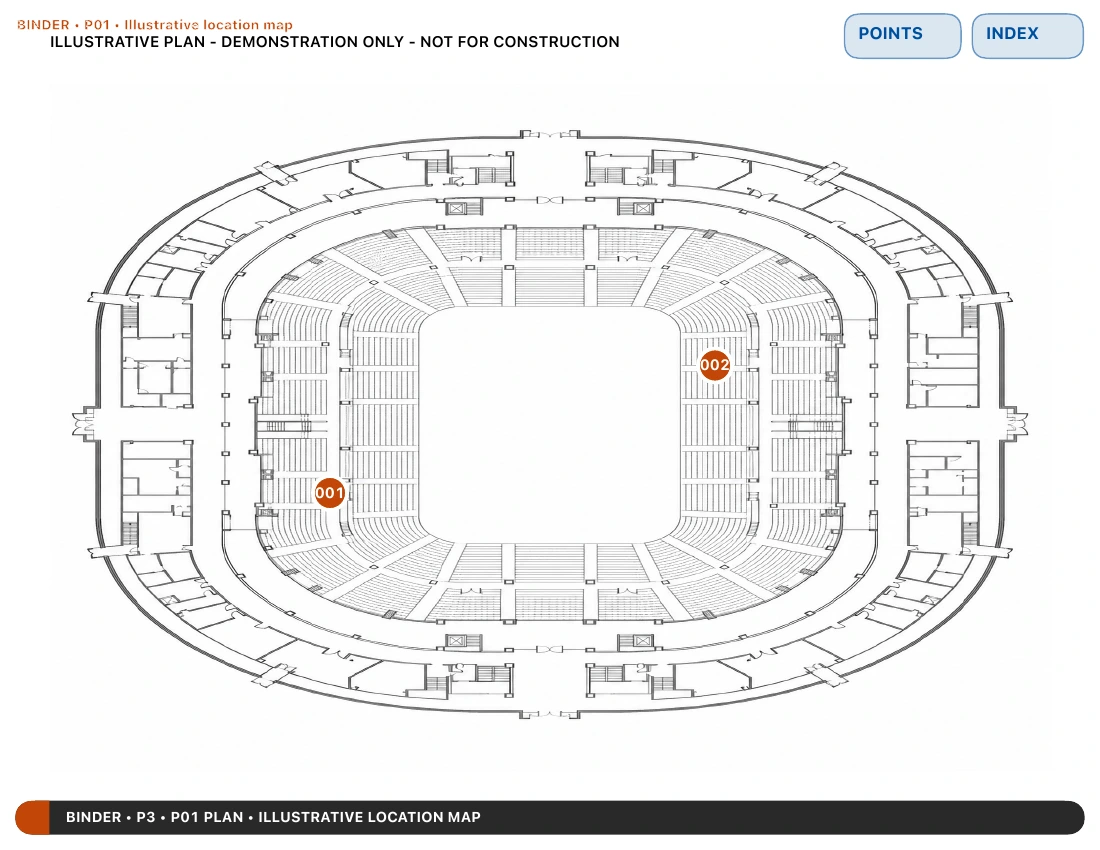
A folder of photos leaves the reader to reconstruct where each detail belongs. Connect supporting material to a Point on a page, image or plan, then export a PDF that preserves those relationships.
Free download. No sign-up. One binder at a time is free.
Start with the material you have
Import a PDF, scan a page, create a Report or start a sketch. A plan is useful when location matters, but it is not required for every record.
Connect the evidence
Place Points where the detail belongs. Add photographs, notes and supporting files; mark up the relevant photo with arrows or dimensions.
Hand over the context
Choose Complete Binder for linked navigation between source pages, Points and supporting detail. Open the exported PDF and check it before sharing.
The example uses a generic plan and fictional Point locations, not a real inspection. Independently verify measurements and site conditions before relying on them for fabrication, installation or safety decisions.
One binder at a time is free, with everything in it. Finish it, export the PDF, delete it, start the next. Pro keeps unlimited binders on this device.
Explore the other examples